
The lie we tell ourselves about IaC, and how to fix it with GitOps.
If I had a dollar for every time a team claimed to be “100% Infrastructure as Code” while simultaneously holding a root terminal open in another window, I could retire early.
We tell ourselves a comforting lie in SRE: If it is in the Terraform file, it is in production.
The reality is much messier. The reality is Configuration Drift. And if you aren’t actively detecting it, your Terraform state is nothing more than a historical document—a snapshot of what you hoped the infrastructure looked like three months ago.
The “ClickOps” Reality
Here is the classic scenario:
- You define an AWS Security Group in Terraform allowing port 443.
- At 2:00 AM, the site goes down. The on-call engineer (maybe you) realizes the database needs to talk to a new microservice immediately.
- Do they write a Pull Request, wait for CI, get approval, and apply? No. The site is down.
- They log into the AWS Console, manually add the rule, fix the outage, and go back to sleep.
Result: Your infrastructure is now running a configuration that exists nowhere in your code. The next time someone runs terraform apply, Terraform will either unknowingly revert that fix (causing another outage) or fail entirely because the state is desynchronized.
Why Drift Happens
It isn’t just panic-fixes. Drift happens because:
- External changes: Cloud providers sometimes change default behaviors or resource IDs.
- Manual tinkering: “I’ll just change this instance size to test something quick.” (It is never quick).
- Untracked resources: S3 buckets created by scripts or other teams that Terraform doesn’t even know exist.
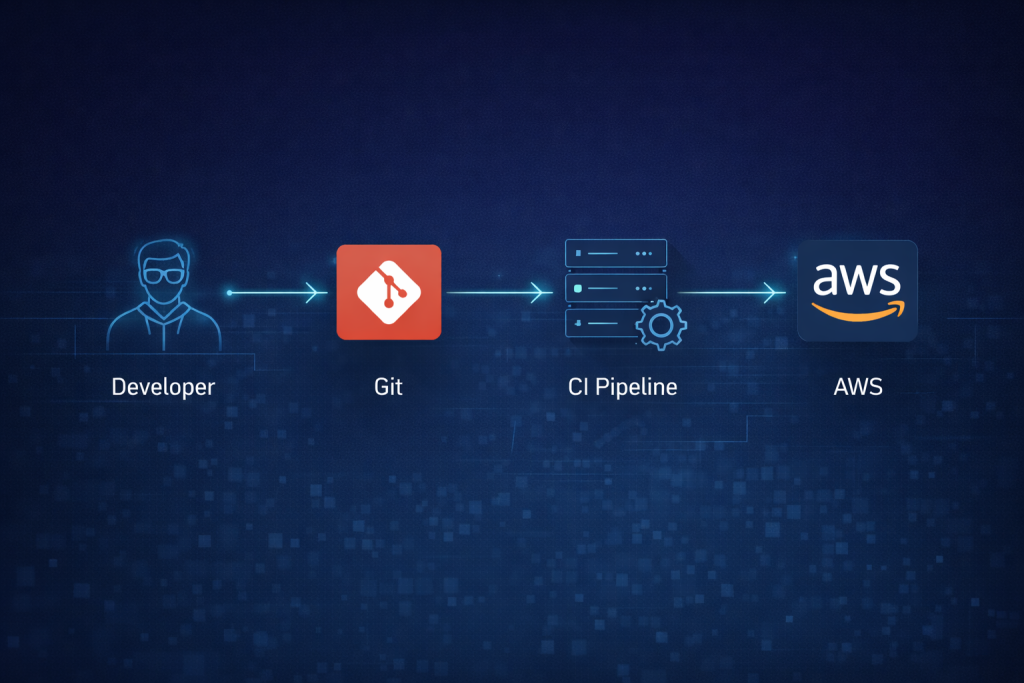
The Fix: From “IaC” to “GitOps”
Writing HCL (HashiCorp Configuration Language) is the easy part. The hard part is the lifecycle of the apply. To be a true Platform Engineer, you need to move beyond running Terraform locally on your laptop.
Here is the maturity model for fixing drift:
Phase 1: The Ban (Policy)
Remove write access to the cloud console for humans. This is extreme but effective. If you can’t click “Edit Security Group” in the AWS console because you literally don’t have the permission, you must use Terraform.
- Pros: Stops drift cold.
- Cons: Makes emergency firefighting much harder. You need a “Break Glass” procedure for 2 AM incidents.
Phase 2: Automated Drift Detection (Observability)
If you can’t lock the doors, at least install a security camera. Set up a scheduled job (Cron / Jenkins / GitHub Actions) that runs terraform plan every hour.
- If the plan shows “No Changes,” send a ✅ to Slack.
- If the plan shows “Changes Detected” (meaning reality doesn’t match code), send a 🚨 alert to the SRE channel.
This turns Drift from a “deployment surprise” into a “monitoring alert.”
Phase 3: The GitOps Pipeline (Atlantis / Terraform Cloud)
Stop running Terraform from your laptop. Use a tool like Atlantis or Terraform Cloud that ties the apply to a GitHub Pull Request.
- You open a PR.
- Atlantis automatically runs
planand comments the output on the PR. - Your colleague reviews the code and the plan.
- You comment
atlantis apply. - The bot applies the code and merges the PR.
This creates a perfect audit trail. We know who changed the infra, what the output was, and when it happened.
Conclusion
Terraform code is static; infrastructure is dynamic. If you treat your .tf files as “fire and forget,” you are building a house of cards. True reliability comes when you stop trusting the code blindly and start verifying the state continuously.
Leave a Reply